
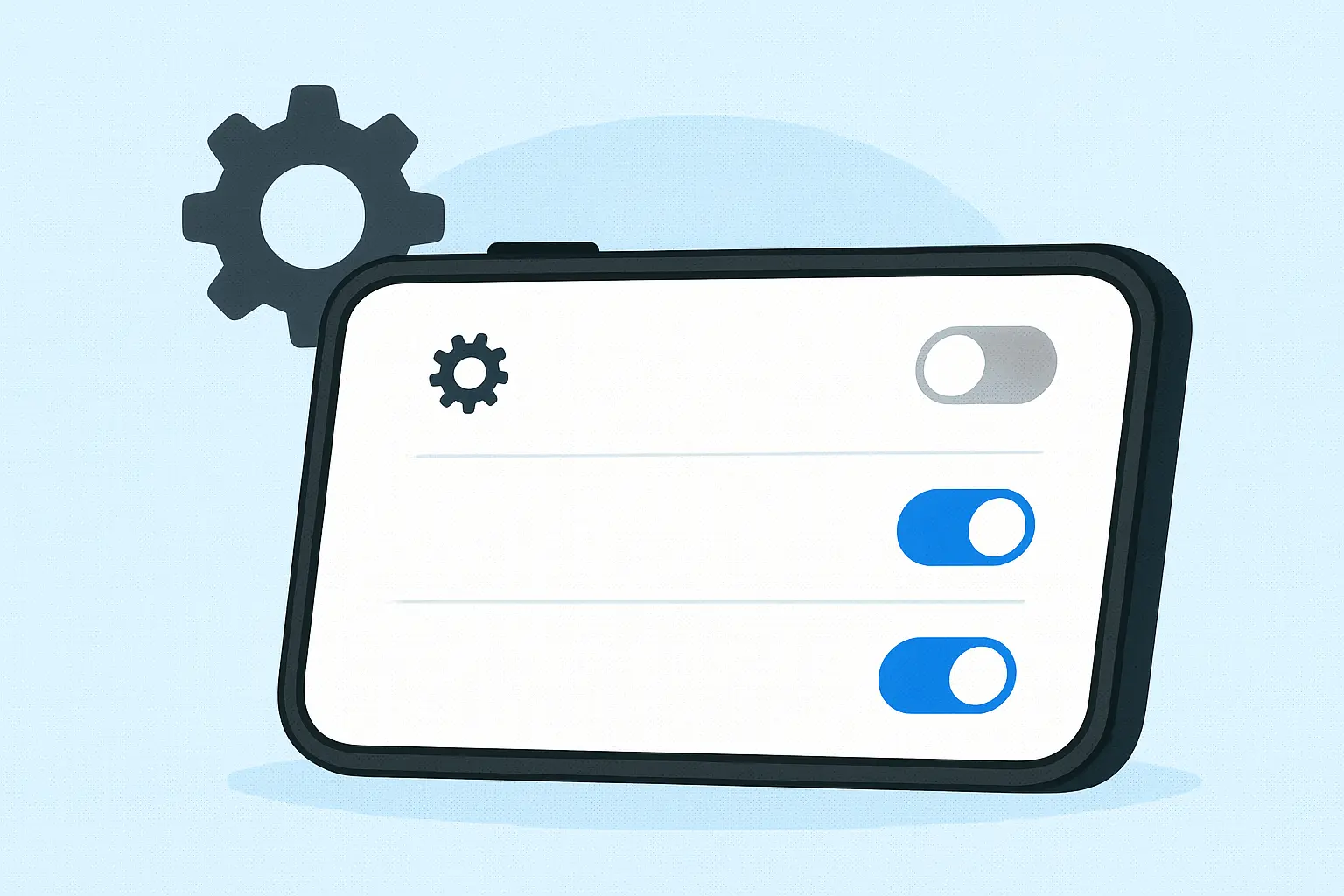
A Better Learning Experience: How Quiz4Learn’s Study Settings Help You Learn Faster
Customize the Way You Learn
Every learner is different. Some prefer reading quietly, others learn better by listening, and many benefit from a combination of both. To help you study in the way that feels most natural to you, Quiz4Learn includes a set of powerful Study Settings that you can adjust at any time.
These settings apply instantly and automatically save on your device, giving you a smoother and more personalized study experience.
Show Options in Main Language
This setting allows you to display the answer options in your package’s main or source language whenever bilingual data is available. It’s perfect if you want to:
- Reinforce understanding in your native or source language,
- Compare translations quickly,
- Build confidence before switching entirely to English-only options.
You can turn this setting on or off at any time depending on your learning goals.
Auto Play Question Audio
When enabled, Quiz4Learn plays the question audio automatically each time a new question appears. This feature is ideal for learners who want to:
- Improve pronunciation naturally,
- Learn through listening,
- Study hands-free while doing daily activities.
It also helps train your ear to recognize English words and phrases more quickly.
Auto Play Option Audio on Select
Whenever you choose an answer, Quiz4Learn will immediately play the audio for that option, if available. This adds an instant layer of feedback and reinforces correct pronunciation at the exact moment you make your choice.
It’s especially useful for:
- Building strong sound–meaning connections,
- Learning through active engagement,
- Correcting pronunciation mistakes early.
Auto Play Question Audio in Details
When you open the question details modal, the system automatically plays the question audio again. If a specific question does not have its own audio, Quiz4Learn will fall back to answer or explanation audio if available.
This feature helps you:
- Review pronunciation while checking your explanation,
- Strengthen memory through repetition,
- Turn every detail screen into a quick listening exercise.
Your Preferences Save Automatically
There’s no need to click “Save.” All of your study preferences are stored automatically using cookies and apply to every future study session on that device.
This makes your learning continuous and tailored—exactly the way you left it.
Build the Perfect Learning Environment
With these Study Settings, Quiz4Learn gives you full control over your learning experience. Whether you prefer quiet reading, audio-focused learning, or a mix of both, the system adapts instantly.
Experiment with the settings, find the combination that fits your style, and enjoy a smoother, more effective study session.
Start your next study session with your personalized settings